

Mermaid Diagrams for Test Design
Write the diagram as a code block, and Testomat.io shows it as a picture. Add a Mermaid diagram to any test or suite description. Diagrams are most useful for big features with many states. Use a diagram to show a workflow, the branches of a scenario, or how parts of your product connect.
Add a diagram to a description
Section titled “Add a diagram to a description”- Open the test or suite you want to document.
- Click Edit.
- Switch to the Markdown tab.
- Add a fenced code block that starts with
```mermaid. - Write the diagram inside the block.
- Click Save.
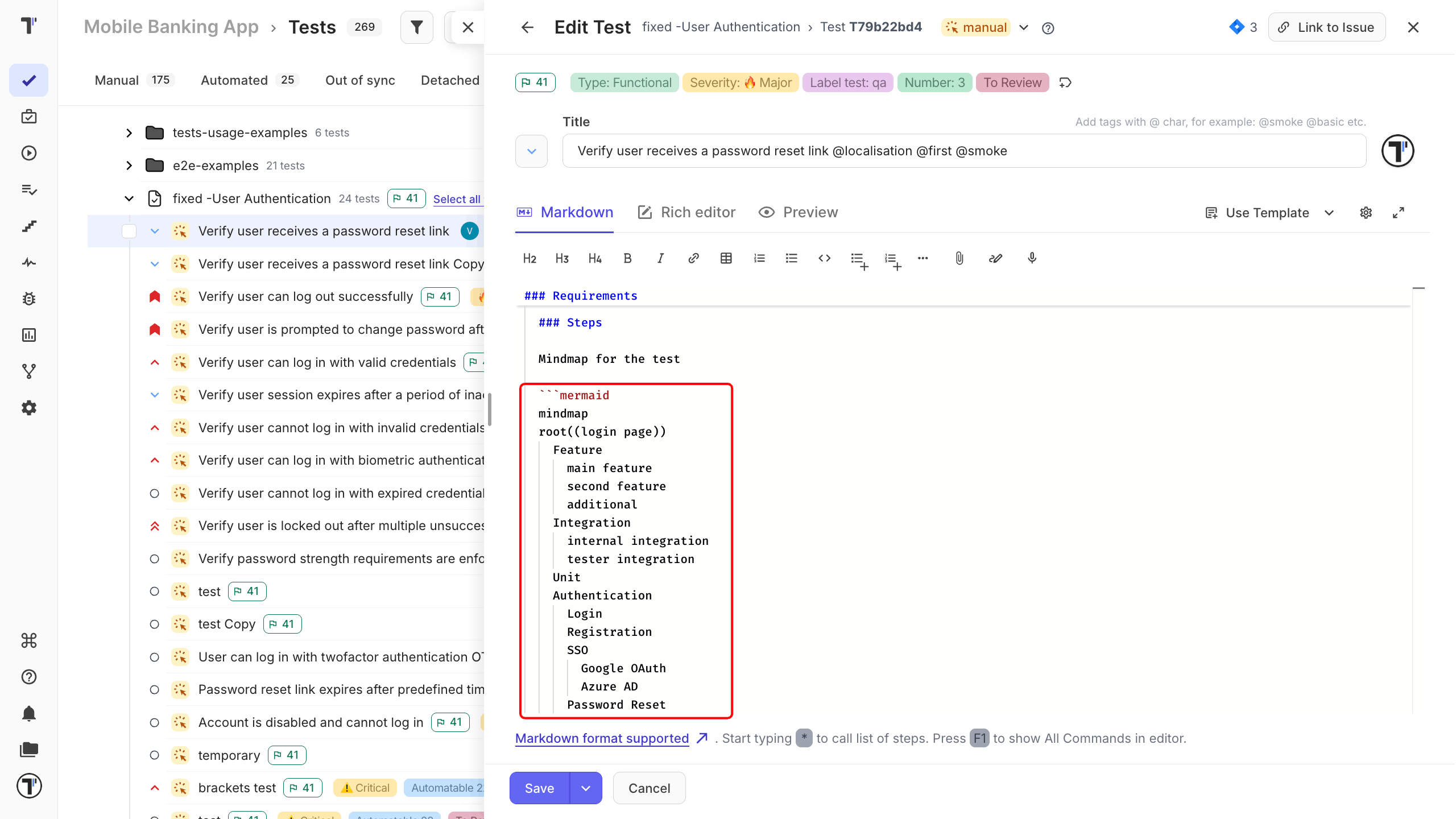
The Preview tab shows the diagram before you save. After you save, the picture appears in the description instead of the code block.
A flowchart looks like this:
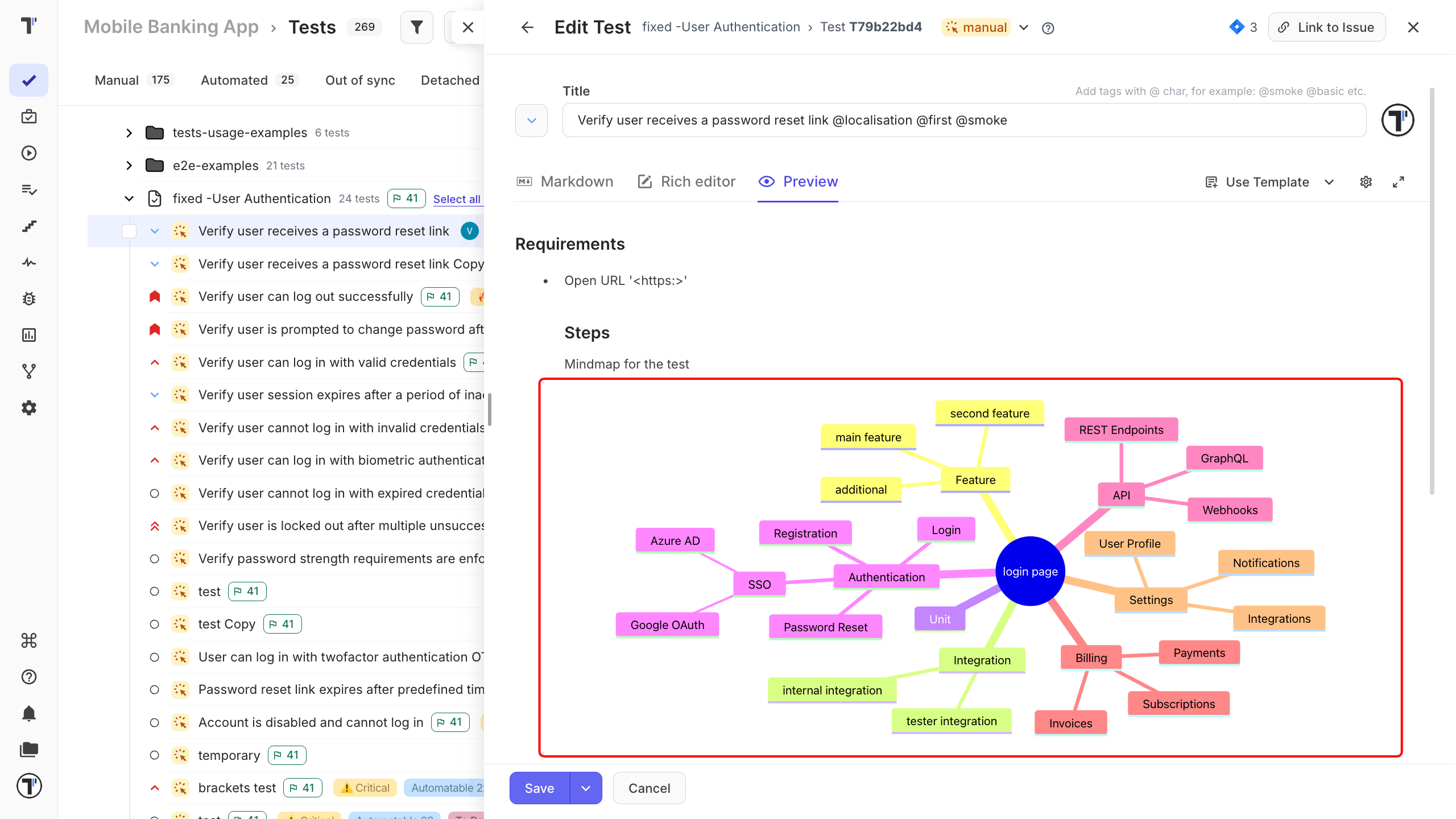
A mindmap suits a hierarchy - the areas of a project and what sits under them.
Download a diagram
Section titled “Download a diagram”Each diagram has SVG and PNG buttons. Click one to download the picture and use it in a slide, a ticket, or a report outside Testomat.io.
Use a diagram when you need to show how things connect:
- end-to-end user journeys,
- how services work with each other,
- which suites cover which features,
- test data and its variants,
- the steps that reproduce a bug.